
What Is IPTV and How Does It Actually Work?
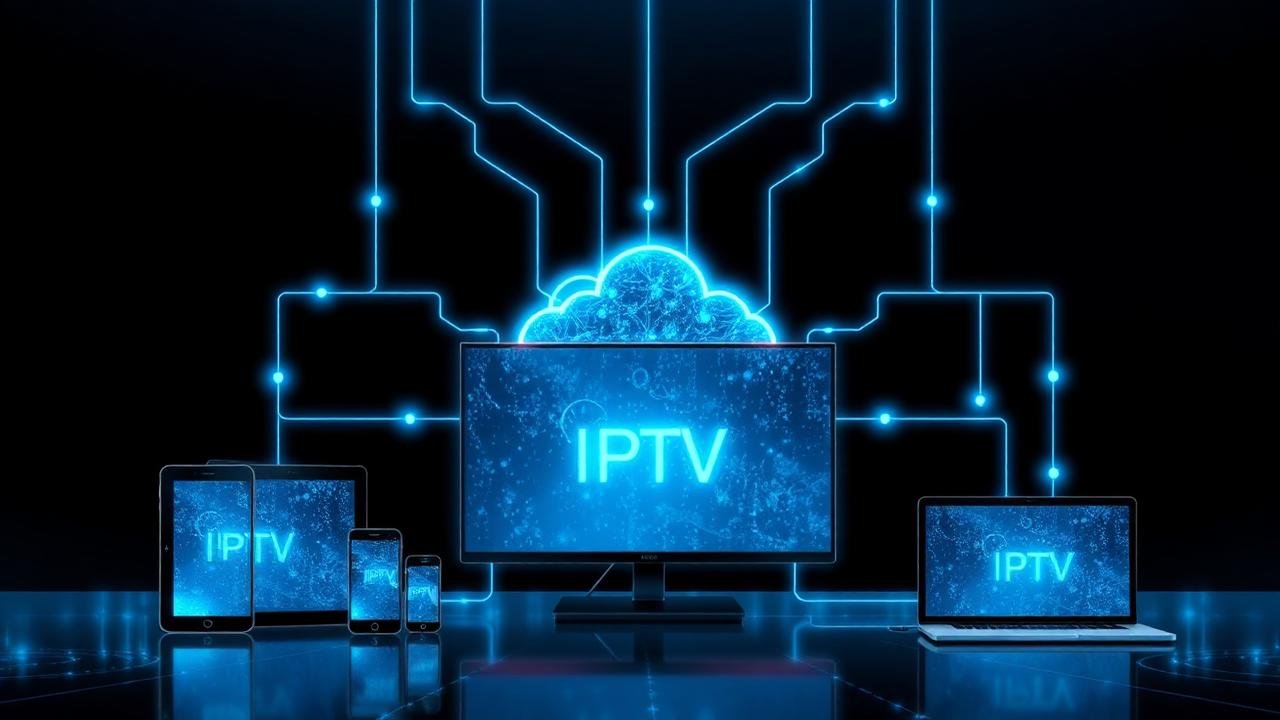
If you've been shopping around for a way to cut your cable bill, you've probably run into the term IPTV about a hundred times. Some sites make it sound like magic, others make it sound sketchy. The truth sits somewhere in the middle, and once you understand what's actually happening behind the screen, the whole thing stops feeling mysterious.
I've spent the last few years testing streaming setups for family, friends, and a couple of small cafés here in Karachi. So this isn't a copy-paste explainer. It's what I'd tell you over a cup of chai if you asked, "Yaar, is this IPTV thing worth it?"
So what is IPTV, really?
IPTV stands for Internet Protocol Television. That's a fancy way of saying your TV channels arrive through your internet connection instead of a satellite dish, a coax cable in the wall, or an antenna on the roof. The video is encoded, chopped into small packets, and streamed to your device — exactly the way Netflix or YouTube reaches you.
The big difference from Netflix is that IPTV carries real, live TV channels — think PTV Sports, Ten Sports, Sky, BBC, Star Plus, HBO, beIN — the same feeds a cable operator would give you, just delivered over the internet. Most services also throw in a movie library and series section on top.
How the whole thing works behind the scenes
Here's the short version, without the jargon:
- A provider (like Opplex) rents very large servers that pull in hundreds of live TV feeds from around the world.
- Those feeds get re-encoded into different quality levels — SD, HD, FHD, and 4K — so your device can pick whatever your internet can handle.
- When you tap a channel on your Firestick or Smart TV, your player quietly asks the server for that stream and starts playing it within a second or two.
- An EPG (electronic program guide) is layered on top so you can see what's on now, what's next, and what aired last night if catch-up is included.
That's it. No dish, no engineer visit, no drilling holes through your wall.
Why so many people are switching from cable
Cable is losing customers everywhere, and it's not just because of Netflix. When I switched my parents' setup from a local cable box to IPTV, three things clicked for them immediately:
- The bill. A yearly IPTV plan often works out to less than two months of premium cable.
- The channel count. Going from ~120 channels to over 20,000 sounds gimmicky until you realize it also includes international news, kids' channels, sports packages, and regional content you couldn't get before.
- Watching anywhere. My dad now watches the news on his phone during his morning walk. That's not something cable ever offered.
Pros and cons — the honest version
What's genuinely good:
- Very low monthly cost compared to traditional TV.
- 4K streams where the source actually supports it.
- Works on almost any device you already own.
- No long contracts. You can leave after a month if you don't like it.
What's not perfect:
- You need a stable internet connection. Below 15 Mbps and 4K becomes wishful thinking.
- Cheap or "lifetime" providers vanish. Stick to services with a real website, real support, and honest pricing.
- The first setup takes ten minutes and can feel unfamiliar if you've never used a streaming player before.
What to look for before you pay anyone
The IPTV market is crowded and quality varies wildly. When someone asks me how to pick, I tell them to check these five boxes:
- Server quality. Look for "anti-freeze" or load-balanced servers and an uptime claim you can verify by asking for a free trial.
- Support that answers. WhatsApp support that replies within an hour is worth more than a slick homepage.
- Real 4K, not just the word. Ask which specific sports and movie channels are actually in 4K.
- Refund terms in writing. If a provider won't put a refund policy on their site, that tells you everything.
- Month-to-month billing. Anyone selling a "lifetime plan" for a one-time payment is selling you a plan that lives as long as their next domain does.
Devices that work with IPTV
Almost anything with a screen and Wi-Fi:
- Amazon Firestick (the most popular for a reason — cheap, fast, huge app support).
- Android TV boxes and Google TV sticks.
- Samsung and LG Smart TVs through IPTV Smarters or SS IPTV.
- iPhone, iPad, and Mac using GSE Smart IPTV or IPTV Smarters.
- Windows laptops using VLC or a dedicated player.
- MAG boxes — still the favorite of older users who like a proper set-top-box feel.
Getting started without overthinking it
The realistic first-time flow looks like this: pick a one-month plan so you're not committing much, install a free player like TiviMate or IPTV Smarters, paste the Xtream Codes or M3U link the provider sends on WhatsApp, and start browsing. If it looks good after a week, upgrade to yearly and save. If not, cancel — you're out the price of a couple of coffees.
The bottom line
IPTV isn't hype and it isn't a scam. It's just a smarter delivery system for the same TV you already like. Pick a provider that answers when you message them, start with a short plan, and give it a real week in your living room. That's the only test that matters.
If you want to skip the trial and error, check the Opplex IPTV plans — we run our own servers and reply on WhatsApp within minutes.
Frequently asked questions
Is IPTV legal?
Using a licensed IPTV provider is completely legal. What isn't legal is watching pirated streams. Stick to providers that operate openly, have a proper website, list a refund policy, and don't promise "lifetime" plans.
How much internet speed do I actually need?
10 Mbps is the floor for stable HD. 15–25 Mbps comfortably runs FHD. For real 4K on sports and movies you want closer to 30 Mbps and a reliable connection during peak hours.
Can I use IPTV on more than one TV at a time?
Most plans allow one connection at a time by default, but multi-connection plans exist. If your household needs two TVs streaming simultaneously, just ask when you order.
Do I need a VPN?
Not for a legitimate subscription. A VPN can help if your ISP throttles video traffic, but it isn't required for the service to work.
What happens if the service goes down?
A serious provider has multiple servers. If one fails, switching to an alternate URL in your player takes ten seconds. Ask your provider what their backup plan looks like — if they don't have one, keep shopping.